How do I create a new folder?
To create a new folder:
1. Activate the 'Folders' control.

2. Press the 'New Folder' button.

3. Input a title of the new folder. The title can be up to 64 characters long.
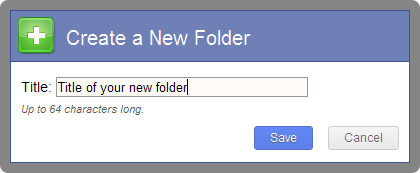
4. Press the 'Save' button.


To create a new folder:
1. Activate the 'Folders' control.
2. Press the 'New Folder' button.
3. Input a title of the new folder. The title can be up to 64 characters long.
4. Press the 'Save' button.